Why You Need to Click Allow (And Why That's Actually Good)
First-time setup asks for folder permission. You might hesitate. Here's why this security prompt protects you, why we can't avoid it, and why you should trust us with access to your video folder.
The Permission Prompt You See
When you first select a folder, your browser shows a permission dialog. This is not us being intrusive. This is your browser protecting you.
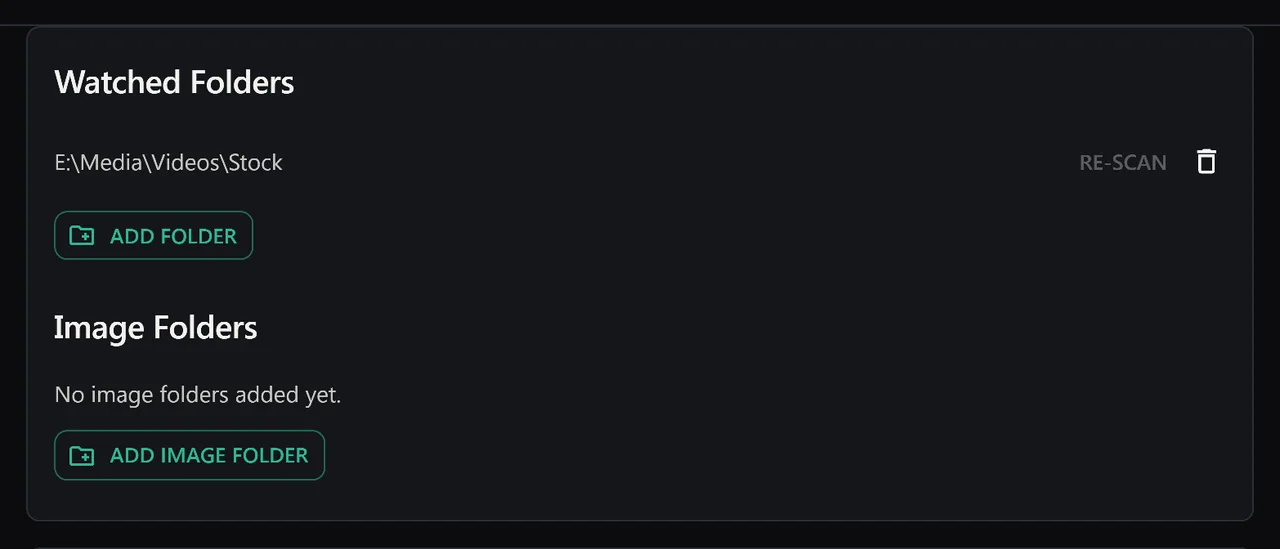
Why We Need Access
To organize your videos, we need to:
- Read filenames to extract metadata
- Access video files to generate previews
- Read file properties like size, duration, and modification date
We cannot do any of this without your explicit permission. The browser requires it by design.
What We Cannot Do (Even With Permission)
Modern browsers limit folder access severely:
- We cannot upload files without you clicking upload
- We cannot modify or delete your files
- We cannot access files outside the folder you selected
- We cannot access your folder after you close the browser (unless you save the permission)
Why This Protects You
This permission system exists because malicious websites used to access files without consent. Browsers now force every app to ask first.
If we could organize your videos without this prompt, any website could access your files. That would be a security problem. The prompt exists to prevent exactly that.
Can You Trust Us?
Everything stays local. Zero uploads. Zero tracking. Your videos never leave your computer.
There are no tiers. SiftVid is a one-time purchase with a 7-day full-access free trial. There is no upload path in the product at all, so there is nothing to opt out of.
What Happens If You Click Deny?
The app cannot function. We cannot read your files. We cannot organize anything. You'll need to click Allow to use the app.
That permission prompt is your browser protecting you. Click Allow. We respect that trust. Your files stay private.
Keep reading
Use Custom Tags to Create Your Perfect System
Auto-tags are great. But your tags are better. Here's how to build a tagging system that fits your workflow — ceremony clips, drone footage, coaching drills, or any category you define.
Rediscover Forgotten Files With Random Discovery
You forgot half your collection exists. The dice button brings it back. Filter first, then randomise — surface footage from years ago with one click.