Preview On Hover: See Before You Click
Hover over any video. Watch a 5-second preview. Click if you like it. Move on if you don't. Never waste time clicking blind again.
Stop Clicking Blind. Preview First.
You have 120 search results. You want to find the right one.
Old way: Click a video. Load it. Watch 10 seconds. Not what you wanted. Go back. Click another. Repeat 15 times.
New way: Hover over thumbnails. Watch 5-second previews. Click only the ones you like.
How Preview On Hover Works
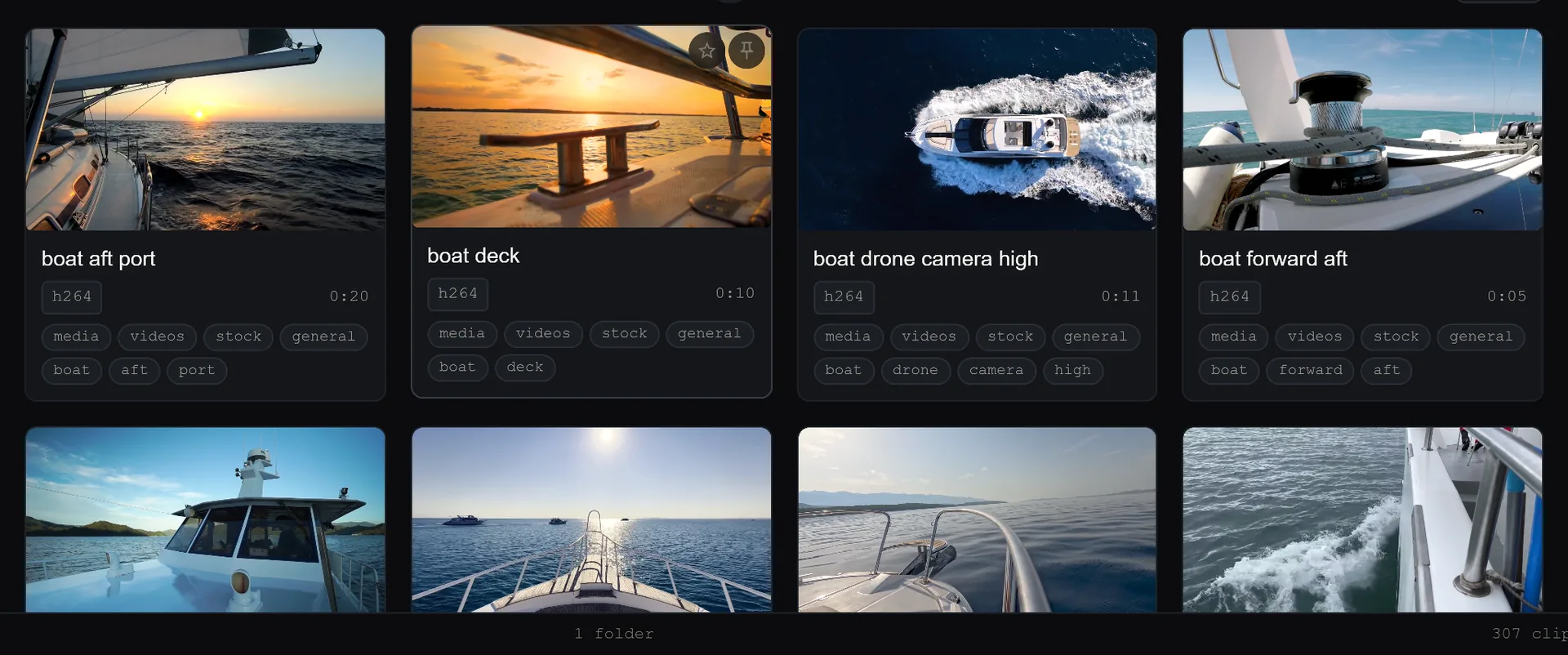
Move your mouse over any video thumbnail. After 0.5 seconds, a preview starts playing. No clicking required — just hover.
The preview loops a 5-second clip from the middle of the video. You see actual content, not just the opening frame. Like what you see? Click to watch the full video. Don't like it? Move to the next thumbnail.
Hover vs. Click: A Real Example
You search for a subject. 200 results.
Without preview: Click each result, watch 10 seconds, go back if wrong. 4 attempts = 5+ minutes.
With preview: Hover over results. Each preview takes 2–3 seconds to evaluate. 4 attempts = 30 seconds. 10× faster. Same result.
Customisation
Adjust Hover Delay
Default: preview starts after 0.5 seconds of hovering. Change it in Settings → Playback:
- Too fast: increase to 1 second
- Too slow: decrease to 0.2 seconds
- Don't want it: turn it off
Adjust Preview Length
Default: 5-second loop from the middle of the video. Options:
- Preview from the beginning instead of the middle
- Extend to 10 seconds for longer clips
- Shorten to 3 seconds for faster browsing
Preview With Sound
Previews are muted by default so you can hover over multiple videos without overlapping audio. Enable sound per-hover by holding Shift while hovering, or turn on “always preview with sound” in Settings.
Keyboard Access
Select any video with arrow keys. Press Space. A preview plays in a popup. Navigate your library entirely without touching the mouse.
The Technical Part
How are previews generated? We extract a 5-second clip from your video file on-the-fly. No pre-processing or disk space required.
Does this slow down the app? No. Previews are generated as you hover. If you don't hover, nothing is generated.
What if my video file is corrupted? Preview won't load. You'll see a static thumbnail instead.
Hover. Preview. Click only what you like. Never waste time on the wrong clip again.
Keep reading
The Complete Search Guide: Find Anything in Seconds
Smart Search finds what you're looking for even with typos. Fuzzy matching. Boolean logic. Category filters. Here's how to dig deep and master the search features to find any video instantly.
Why Sort Works Everywhere (And Why That Matters)
Search results, categories, tags — sort by codec, size, duration, or date in any view. Other apps reset your sort when you switch views. SiftVid doesn't.