Offline video library for travel, RVs, and cabins
Build a local, offline video library for travel, RVs, and cabins. No cloud, no accounts. SiftVid keeps your media private and accessible anywhere.
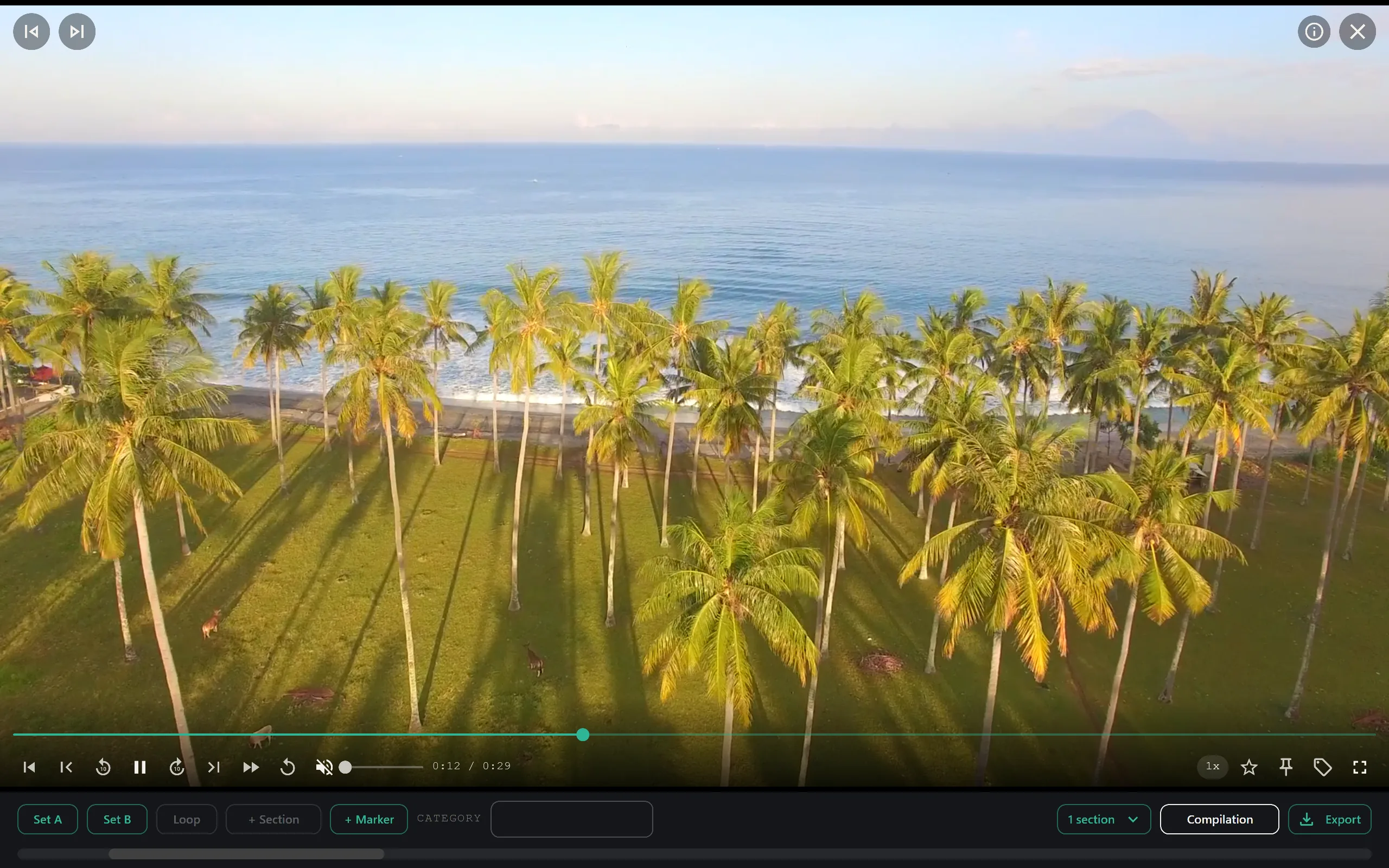
When the Wi-Fi signal dies in the middle of a national park or a remote cabin, your entertainment options usually vanish with it. Many travelers rely on cloud streaming services, but these require a constant, high-bandwidth internet connection. If you are traveling by RV, living in a cabin, or taking a long-haul road trip, you need a media solution that works independently of the internet.
An offline video library is the most reliable way to keep content accessible in low-connectivity environments. Instead of streaming data from remote data centers, you store files locally on your device and use software to organize and play them. This approach eliminates buffering, reduces data usage, and ensures your library is always available, regardless of your location.
Why Local-First Video Management Matters for Travel
Cloud-based media management has become the default for many users, but it introduces two major friction points for travelers: dependency on internet speed and privacy concerns. When you are in a remote area with spotty LTE or no service at all, cloud libraries are inaccessible. You cannot browse thumbnails, search for specific titles, or play videos if the metadata is locked behind a web connection.
Local-first software solves this by keeping all data on your hard drive or SSD. No accounts are required to initialize the library, and no data is transmitted over the network. For privacy-sensitive users, this is a critical feature. Your personal media remains entirely on your hardware. There is no external party indexing your files or storing your viewing habits. This level of control is particularly important in shared spaces or when traveling through regions with variable privacy laws.
For RV owners and cabin residents, a local library also supports offline editing workflows. If you are traveling with a camera and want to review footage or create clips without relying on desktop-grade rendering farms, local processing power is all you need. You work with the files exactly as they are on your drive.
Setting Up a Portable Video Library
Building an offline library starts with file organization. Before importing videos into any management software, ensure your files are named logically and grouped into folders. While you can organize by date or location, using descriptive filenames helps with initial categorization. For example, naming files "2023-10-15_Moonlight-Bay_RV-Setup" provides immediate context that software can parse.
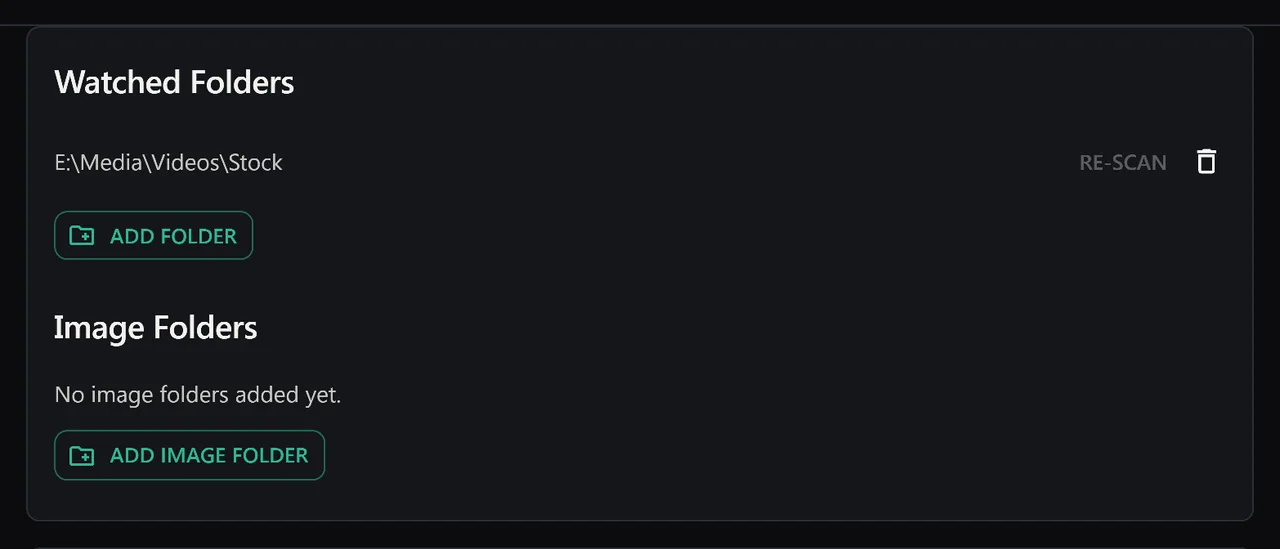
Once your files are organized, you need a tool that can index them without uploading them to the internet. The process involves scanning your directory structure and extracting metadata. A robust local manager reads filename conventions and folder structures to assign initial tags. This means that if you have a folder named "Alaska Trip 2023," the software can automatically tag all videos inside it with "Alaska" and "2023." This automation saves hours of manual tagging when you have terabytes of travel footage.
The critical step is ensuring the software remains fully functional without an internet connection. After the initial scan and indexing, the application should run entirely in offline mode. You should be able to search, filter, and play videos with zero network activity. This ensures that if your Wi-Fi drops in the middle of a movie night, your library remains intact and navigable.
Essential Features for Remote Viewing
When evaluating software for a travel-focused video library, look for specific features that enhance usability in constrained environments.
Fuzzy Search and Logic Operators Travel memories are often fragmented. You might remember a specific sunset in Patagonia but forget the exact date or file name. A local library with fuzzy search allows you to enter approximate terms. More importantly, support for boolean operators like AND, OR, and NOT lets you refine results. For instance, you can search for "sunset AND mountains NOT city" to filter through thousands of clips quickly. This precision is far superior to simple keyword matching, which often returns irrelevant results.
Section Loops and Highlights For RV groups or family trips, you often want to rewatch specific moments, such as a birthday surprise or a scenic overlook. A-B section loops allow you to set start and end points for a clip and play it repeatedly. This is useful for reviewing specific shots or creating short highlight reels without editing the entire file. It keeps the workflow simple and fast, requiring no complex editing suite.
Private Organization Systems Large libraries become unwieldy without categorization. Instead of relying on rigid folder trees, use a tagging or category system. You can assign multiple attributes to a single video: "Family," "Action," "4K," and "Alaska." A feature like Category Theater or similar visual grouping helps you browse by attribute rather than just file name. This makes it easy to create themed playlists, such as "Relaxing Scenery" or "Adventure Clips," which can be viewed as a cohesive sequence.
Creating Content While On the Road
Travelers are not just consumers of media; they are creators. Whether you are documenting a road trip or filming a short documentary, you need tools to review and package your footage locally. A local video manager can generate cut lists and export files for editing software.
If you edit in Adobe Premiere Pro or DaVinci Resolve, you can export Premiere XML or DaVinci EDL cut lists directly from your local library. This creates a direct pipeline from your travel footage to your editing timeline without manual transcription. You can select the best moments from your trip, generate the EDL, and import it into your NLE on any machine. This workflow is entirely local, meaning you can work on a laptop in the RV without syncing projects to the cloud.
Additionally, exporting to standard formats like MP4, MOV, or ProRes ensures compatibility. If you need to share clips with fellow travelers or upload them to social media once you are back in service, having the files in a standard, high-quality container is essential. The ability to export directly from the management software saves time and reduces file conversion errors.
Privacy and Security in Public Spaces
One of the most overlooked aspects of travel media is data security. When using cloud services, your media is stored on external servers. In public spaces or shared accommodations, this can pose privacy risks if your account is compromised or if metadata is logged.
A local-first approach eliminates this attack surface. Since the data never leaves your machine, there is no server to hack and no account credentials to protect. There is no sign-up form and no login screen. This simplicity is a major advantage for travelers who want a frictionless experience. You plug in your hard drive, open the app, and your library is there. No loading screens, no authentication prompts, and no risk of account lockouts due to a lost phone or forgotten password.
For those concerned about the security of their devices, local storage allows for physical control. You can encrypt your external drives using standard OS-level encryption, adding an extra layer of protection. The software reads the decrypted files locally, maintaining the speed and convenience of a native application.
Getting Started with SiftVid
For travelers, RV owners, and cabin residents, SiftVid offers a streamlined way to manage offline video libraries. As a Windows 10/11 desktop app, it is designed for performance and privacy.
SiftVid is a one-time purchase of $14.99, avoiding recurring fees that add up over time. It operates on a local-first principle, meaning no accounts are required and your videos never leave your machine. The application uses smart tags derived from filenames and folder structures, making initial setup fast. Its fuzzy search engine supports advanced logic operators, allowing for precise retrieval of specific clips.
Key features for travelers include:
- A-B Section Loops: Perfect for reviewing specific moments or creating repeatable highlights.
- Category Theater: Visual browsing by tags, ideal for creating themed viewing sessions.
- Make Trailer: Quickly assemble a highlight reel from your selected clips.
- Export Capabilities: Generate MP4, MOV, or ProRes files, or export Premiere XML and DaVinci EDL lists for professional editing.
- AI-Assisted Tagging: Includes a train-your-own linear probe AI, allowing you to build custom classification models for your specific travel media without sending data to external servers.
SiftVid is not a streaming service. It is a local media manager. It does not try to name the people in your footage, and it does not maintain a database of external media metadata. It focuses purely on organizing, searching, and managing files you already own.
To start your offline library, you can download SiftVid for Windows. The software includes a 7-day full-access free trial, so you can test its search and organization capabilities on your existing files before purchasing. If you have questions about supported formats or file compatibility, the FAQ page provides detailed technical specifications. For a full breakdown of all capabilities, visit the features page or see the pricing details to understand the one-time cost.
Building a robust offline video library takes a bit of initial effort in organizing files, but the payoff is reliability. Whether you are in a cabin with no internet or on the road with poor reception, your media will be there, ready to play, entirely under your control.
Keep reading
A-B loop practice for guitar and language learning
Master complex guitar riffs or difficult language phrases by isolating specific video segments. Learn how SiftVid’s A-B loop feature turns passive watching into active practice.
Manage Real Estate Videography Footage Locally
Stop losing property shoots. Local-first tools help real estate videographers organize, tag, and export MP4/ProRes files securely and fast.