Organize GoPro and Drone Footage Archives Fast
Stop drowning in raw footage. Learn how to organize GoPro and drone archives with smart tags, fuzzy search, and local-first tools in minutes.
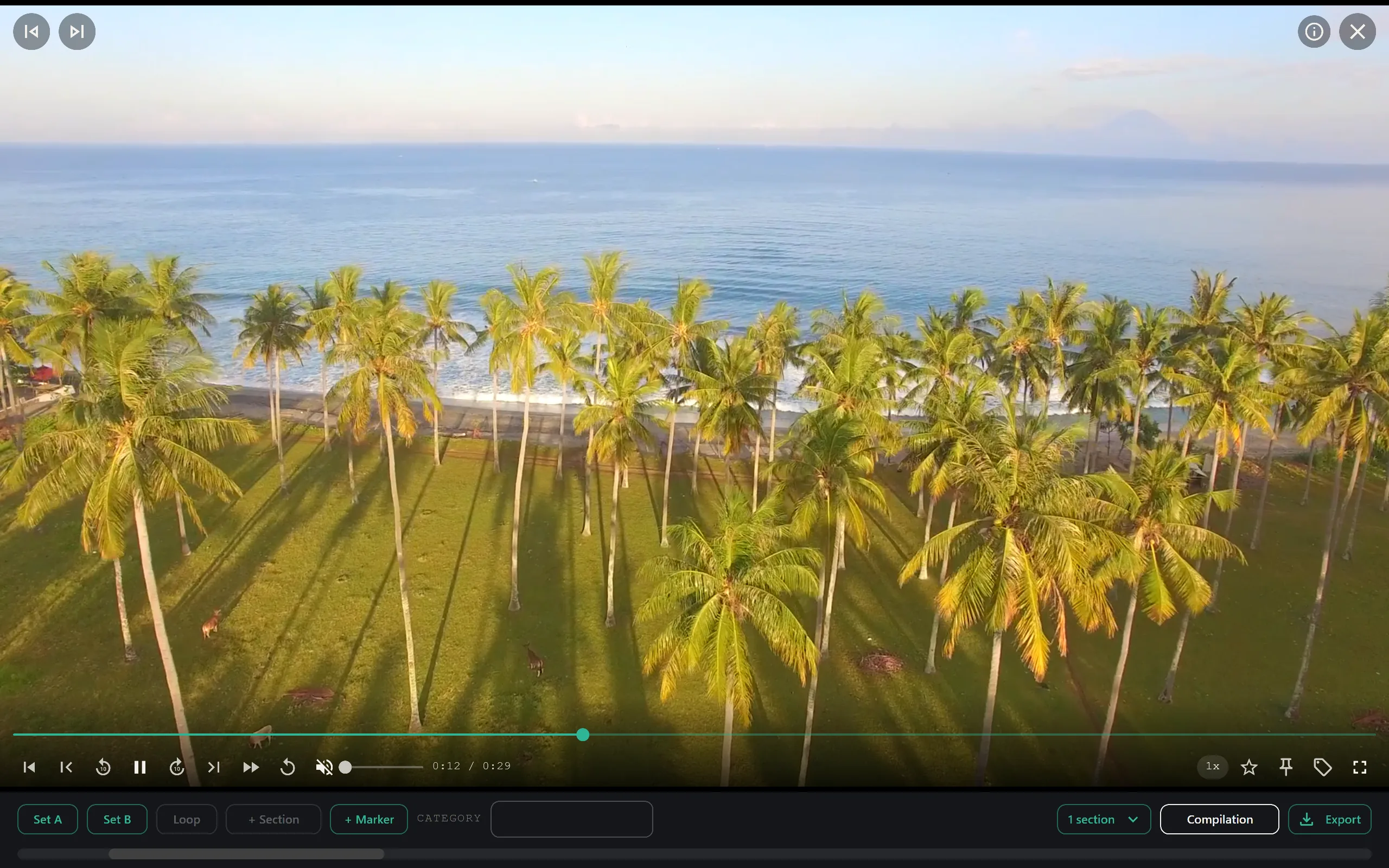
Shooting with action cameras and drones generates a specific kind of digital chaos. You get hundreds of small files, inconsistent naming conventions, and metadata that is often useless until you need it fast. If you have ever spent an hour digging through a folder named "New Folder (2)" to find one specific drone shot, you know the pain. The solution isn't more spreadsheets or manual renaming. It’s using a tool that understands your file structure and lets you search like a human.
This guide covers how to build a sustainable workflow for organizing GoPro and drone footage archives using local-first tools. We will focus on speed, privacy, and the ability to actually find your content without leaving your desktop.
Why Standard Folders Fail for Action Footage
Most creators start with a simple folder hierarchy: Year > Month > Project. This works for a wedding photographer with 2,000 high-res JPEGs. It falls apart immediately for a drone pilot who shoots 40 minutes of 4K MP4s in a single flight, or a GoPro user who clips 5-second bursts all day.
The core problem is that raw footage from these devices often lacks descriptive metadata. A file named DJI_0010.MP4 tells you nothing about what is in the shot. Is it the establishing shot? The crash? The perfect sunset? Without renaming every single file manually, you are relying on memory to find your B-roll.
Furthermore, manual renaming is a bottleneck. If you are editing, you don't want to spend your creative hours on admin work. You need a system that ingests the files as they are and lets you find them later. This is where a smart tagging system beats a rigid folder structure. By using a tool that automatically analyzes filenames and folder structures, you can create virtual collections without moving a single file on your disk.
The Power of Local-First Organization
When dealing with large archives, privacy and speed are non-negotiable. Uploading gigabytes of raw footage to a cloud service for organization introduces two major problems: bandwidth bottlenecks and security concerns. Your footage never has to leave your machine.
A local-first approach means your library lives on your hard drive. There is no waiting for sync. There is no account to create. There is no server to trust with your unreleased commercial work. SiftVid runs entirely on your Windows 10 or 11 desktop. This ensures that your search queries and file paths remain private. For agencies or solo creators dealing with sensitive client material, this is a critical feature. You get the organizational power of a database without the overhead of cloud infrastructure.
If you are currently using a cloud-based asset manager or just plain folders, switching to a local-first solution feels like a relief. The indexing happens on your machine, so as long as your drive is fast, your search is instant. You can check out the full feature list to see how local indexing works without slowing down your system.
Smart Tags and Fuzzy Search in Practice
The heart of a good archive is search. But standard keyword search is rigid. If you tag a clip "Sunset" and search for "Evening," a basic search fails. A fuzzy search with boolean logic changes the game.
Imagine you have a folder of drone footage. SiftVid creates smart tags based on your filenames and folder structure. If your file is named 2023-10-12_Aerial_Coastline_DJI_0012.mp4, the system can tag it with date, location, and camera type. But it goes further. You can use AND, OR, and NOT operators to refine results.
For example, if you need a shot from last month that is aerial but does not include the logo you accidentally filmed, you can search for:
aerial AND october NOT logo
This level of control turns a chaotic folder into a queryable database. You aren't clicking through subfolders; you are asking the system a question. This is particularly useful for drone footage where wind conditions, lighting, and altitude change rapidly. You might want to find all "golden hour" shots that are "steady" and "wide angle." With smart tags derived from your initial metadata and any custom tags you add, this becomes a simple search string rather than a visual hunt.
To understand how these tags interact with your existing file structure, read the feature overview. It clarifies that no files are moved or modified; they are simply indexed.
Workflow: From Card to Editable Sequence
Here is a practical workflow for managing a new batch of GoPro or drone footage:
- Ingest: Copy your raw files from the SD card to your archive folder. Keep the original folder structure from the camera if it makes sense to you, or flatten it.
- Index: Point SiftVid to the archive folder. The app scans the filenames and builds the tag structure locally. This happens in seconds, not hours.
- Review and Tag: Open the library. Use the fuzzy search to quickly narrow down to specific shots. As you review, you can add custom tags (e.g., "hero shot," "b-roll," "delete later"). These tags become part of your searchable metadata.
- Loop and Check: Before exporting, use the A-B section loops to mark the best parts of a long clip. This is crucial for drone footage, where you often have 30 seconds of take-off, 10 seconds of the actual shot, and 30 seconds of landing. Marking the A-B section isolates the usable part instantly.
- Export: When you are ready to edit, use the built-in tools to generate a cut list. SiftVid can export a Premiere XML or a DaVinci Resolve EDL. This means you are not dragging and dropping files manually; you are sending a structured sequence to your NLE.
This workflow eliminates the "search and drag" phase of post-production. You go straight from finding the clip to editing it. For more details on what is included in the one-time purchase, visit the pricing page — the 7-day free trial covers the full feature set.
Automating Repetitive Tasks with Custom AI
One of the unique aspects of SiftVid is the ability to train a linear probe AI on your own footage. This isn't a black-box cloud AI. It’s a lightweight model you train locally.
You might have a specific type of shot you always need, like "low angle go pro" or "drone top-down." By selecting examples of these shots and training the probe, the system learns to recognize visual patterns specific to your archive. Over time, this automates the tagging of new footage. You drop in a new batch, and the system pre-tags likely candidates for "top-down" or "low angle" based on what you’ve taught it.
This is particularly powerful for series production or ongoing client work where the style remains consistent. You train the model once, and it saves you hours of manual review on every subsequent project. It’s a train-your-own approach, meaning the AI gets better the more you use it, and it never requires your data to be sent to an external server.
If you are curious about the technical side of how the linear probe works without compromising privacy, check out the SiftVid home page for a deeper dive into the local processing architecture.
Exporting for the Edit
The final step is getting your organized clips into your timeline. SiftVid supports MP4, MOV, and ProRes export, so you can transcode your drone footage into an editing-friendly format if needed. But more importantly, it generates cut lists.
When you have marked your A-B loops and selected your best shots, you can export a Premiere XML or a DaVinci EDL. This file contains the timestamps and file paths of your selected clips. Import this into your NLE, and your timeline is built. This bridge between organization and editing is where the real time savings happen.
You can download SiftVid for Windows to test this workflow on your own archive. The download page provides the latest version for Windows 10 and 11. Since the trial gives you 7 days of full access, you can organize an entire project’s worth of footage, generate a cut list, and import it into your editor before the trial expires.
Organizing your GoPro and drone archive doesn’t have to be a part-time job. By moving away from rigid folders and toward a smart, local-first, searchable index, you reclaim your time. You find shots in seconds, not hours. You keep your data private. And you go straight into the edit.
Stop digging. Start searching.

Keep reading
Folders vs Tags: Video Organization Strategy
Stop fighting nested folders. Learn how to use SiftVid’s smart tags and hybrid structure to scale your local video library efficiently.
Organize Wedding Videography Footage Archives
Streamline your wedding video archive. Learn how to organize raw clips, automate tagging, and export cut lists using local-first desktop tools.