Automate Short Trailers from Long Footage
Learn how to use SiftVid’s Make Trailer feature to cut long video files into engaging short trailers. Fast, local processing with no recurring costs.
Creating a compelling trailer from hours of raw footage is traditionally a time-consuming task. The bottleneck is rarely the assembly itself — it is finding the moments worth assembling. Editors and creators can spend days scrubbing timelines, jotting down timecodes, and second-guessing which clips make the cut. For anyone sitting on a large video library, that bottleneck can stall entire projects.
The fix is not a magic button that watches your footage for you. It is a workflow that makes finding and marking the best moments fast, so the final assembly takes seconds instead of days. This guide walks through that workflow using SiftVid, a local-first video library manager for Windows, and its Make Trailer feature.
The Real Bottleneck: Finding the Moments
A trailer is only as good as its clip selection. The traditional hunt looks like this: open a file, scrub, note a timecode, close it, open the next one, repeat several hundred times. The problem compounds with library size — a four-hour event recording or a season of raw shoots turns selection into the most expensive part of the job.
SiftVid attacks this problem directly, in three ways:
- Smart tags: The app scans your folders and derives tags automatically from filenames and folder structures. A folder named
2024-06_Wedding_Ceremonyinstantly becomes searchable context — no manual tagging session required. - Fuzzy search with Boolean logic: Combine terms with AND/OR/NOT operators to narrow a huge library to exactly the clips you mean. Searching
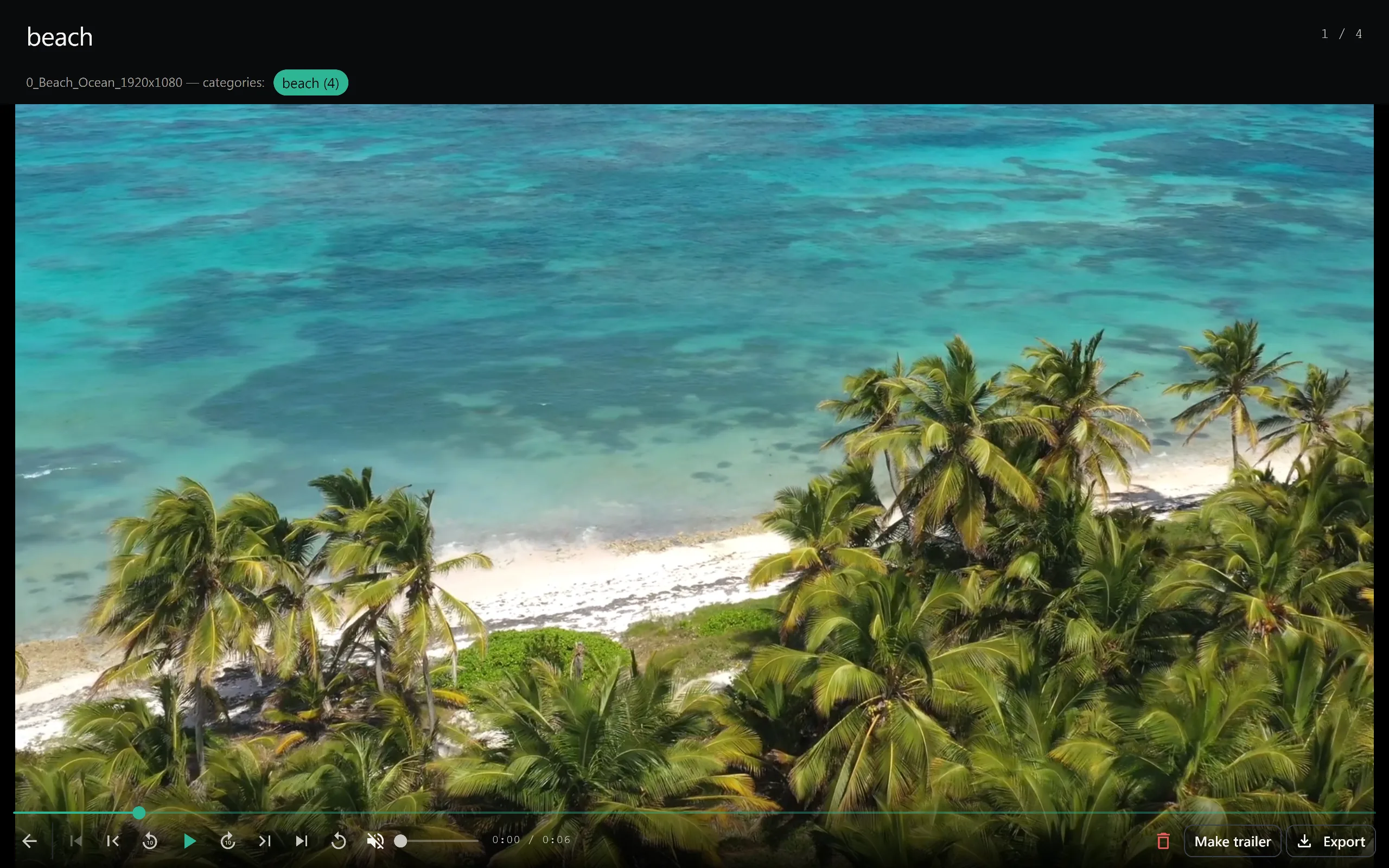
ceremony AND vows NOT rehearsalgets you to the right folder's worth of candidates in one query, even with imperfect or inconsistent file naming. - Category Theater: Instead of opening files one at a time, Category Theater stitches the segments matching a category into a continuous preview loop. You watch a rolling reel of just the matching moments and flag the keepers as they go by.
Together, these collapse the "watch everything" phase into a focused review of only the clips that could plausibly make the trailer.
Marking Favorites as You Review
As you review candidates, you mark the moments you like as favorites. This is the human judgment part of the workflow — and it should be. You know which reaction shot lands and which wide angle is filler. The software's job is to make sure you spend your time on that judgment, not on hunting for the footage in the first place.
A-B section loops help here as well. When a clip is almost right, set in and out points and loop the section to confirm the exact beat you want before committing it to your favorites. What used to be a timecode scribbled on a notepad becomes a precise, saved selection.
Assembling the Trailer with Make Trailer
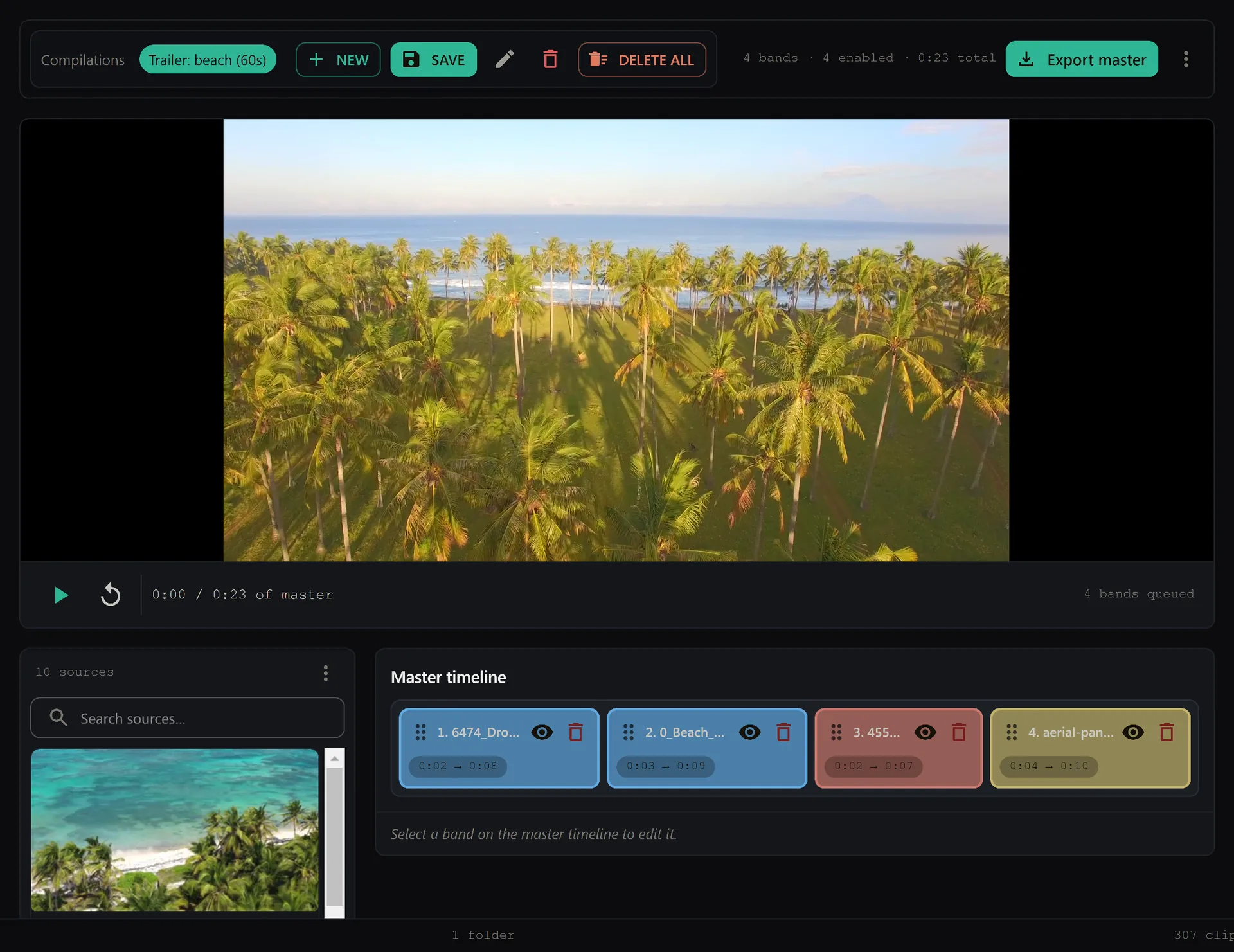
Once your favorites are marked, the assembly step is the fast part. Make Trailer instantly compiles your favorite clips into a trailer — no manual timeline assembly, no dragging dozens of clips into sequence. The selection work you already did becomes the finished sequence.
This is the right division of labor: you curate, the software compiles. Because every clip in the trailer is a moment you personally flagged during review, the output reflects your creative intent from the start. You are not wrestling an algorithm's guesses back into shape, you are watching your own picks, joined together, in seconds.
If the first pass runs long or a clip does not land in context, adjust your favorites and compile again. Iteration is cheap when the assembly step costs nothing.
Why Local-First Matters for This Workflow
Working through hours of high-resolution footage demands a lot of disk reads and seeking. SiftVid is a local-first desktop app for Windows 10 and 11: your videos never leave your machine, and there is no upload queue, no bandwidth ceiling, and no waiting on a remote processing service. Review speed depends on your hardware alone.
That also matters for privacy. Unreleased client work, event footage under embargo, or personal archives stay on your drive. There is no account to create and no third party indexing your content.
Cost is similarly straightforward: SiftVid is a one-time purchase of $14.99 with no recurring fees or per-use charges, and it comes with a 7-day full-access free trial so you can run this entire workflow on your own footage before buying. You can download SiftVid for Windows to try it.
Exporting and Delivering the Trailer
A finished trailer still needs to reach its destination, and SiftVid covers both common paths:
- Direct export to MP4, MOV, or ProRes — from web-ready social cuts to high-quality masters for further grading.
- NLE handoff via Premiere XML and DaVinci EDL cut lists. If the trailer needs final color, titles, or a sound mix, the cut list carries your structure into Adobe Premiere Pro or DaVinci Resolve so you can finish in a full editor.
That second path is what makes the workflow viable for professional pipelines: the fast selection and instant compile happen in SiftVid, and the finishing happens in the tools you already use. See the features page for the full rundown.
Putting It Together on Your Next Project
The workflow, end to end:
- Point SiftVid at your footage folders, smart tags build themselves from your existing structure.
- Use fuzzy Boolean search and Category Theater to review only the relevant moments.
- Mark favorites, using A-B loops to nail exact in/out points.
- Run Make Trailer to compile your favorites instantly.
- Export to MP4/MOV/ProRes, or send a Premiere XML / DaVinci EDL cut list to your editor for finishing.
What used to take days of scrubbing becomes an afternoon of focused decisions. If you are ready to test it on real footage, check the pricing — the 7-day trial is the full application, not a limited demo — or visit the FAQ for technical details on formats and system requirements.
Keep reading
Manage Real Estate Videography Footage Locally
Stop losing property shoots. Local-first tools help real estate videographers organize, tag, and export MP4/ProRes files securely and fast.
Organize Family Videos Locally with SiftVid
Learn how to organize a lifetime of family videos on your local PC using SiftVid. Keep files private, searchable, and safe from remote risks.