Windows Video Library Software with No Monthly Fees
Stop renting your media management. SiftVid is Windows video library software with no monthly fees, offering local-first control and one-time pricing.
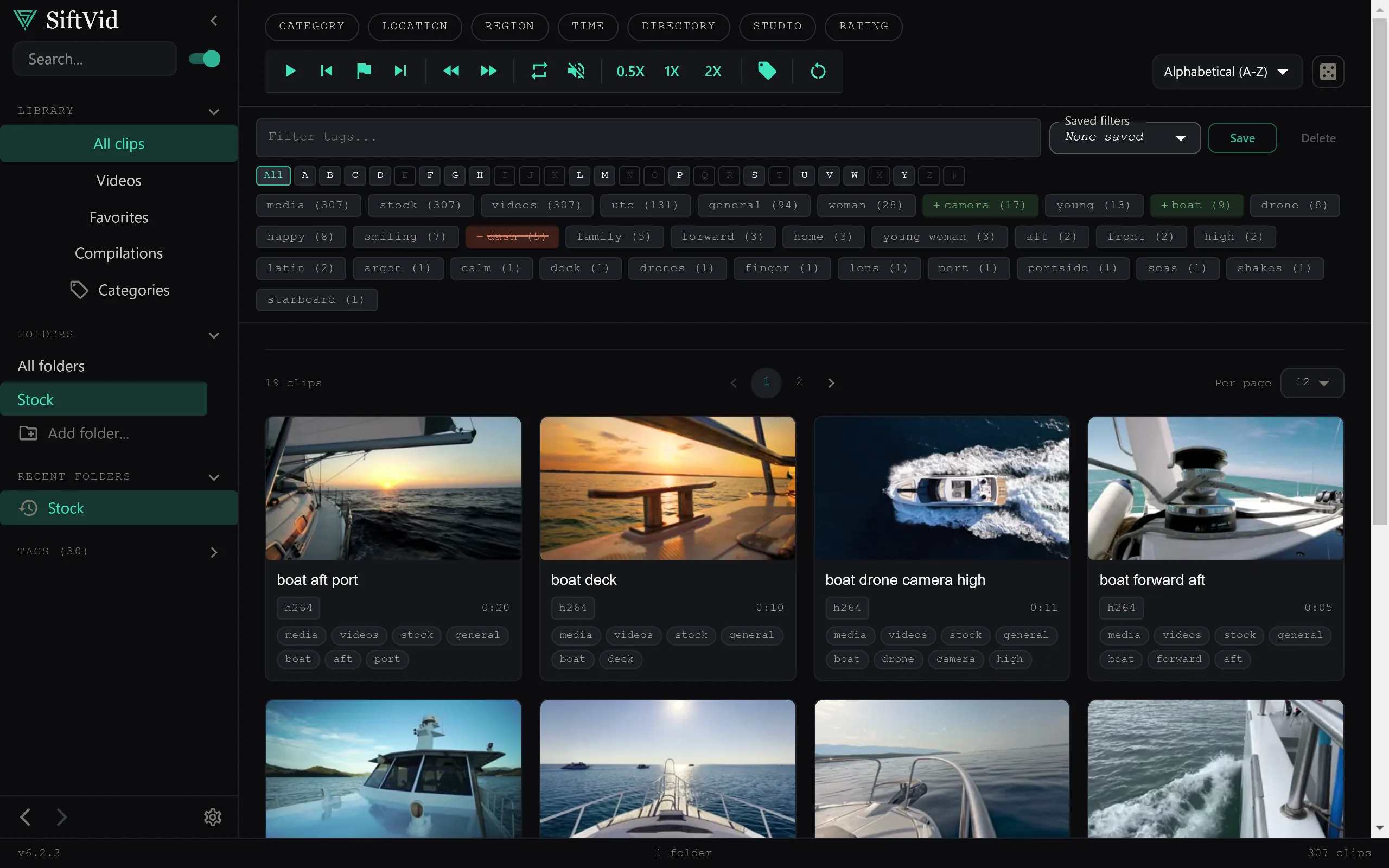
Most media management tools operate on a simple, if annoying, premise: your videos belong on their servers. You upload, they host, you stream. This model often comes with a recurring fee that never ends, data privacy concerns, and the constant worry of what happens if the service shuts down or raises prices. For many power users and archivists, this is a non-starter.
If you are looking for Windows video library software with no recurring fees, the solution usually requires shifting away from cloud-centric approaches and toward local-first desktop applications. These tools give you total control over your files while keeping the monthly cost at zero.
Why Owning Your Software Matters for Video Libraries
Video files are heavy. Unlike photos, which might be a few megabytes, high-resolution video clips can easily run into the gigabytes. Uploading massive libraries to the cloud is slow, consumes bandwidth, and, crucially, moves your data out of your physical possession.
When you switch to local-first software, several key benefits emerge:
- Privacy by Design: Your videos never leave your computer. There is no third party indexing your content, no data sharing, and no risk of a breach on a remote server.
- Instant Access: Without network latency, search results and previews load instantly, regardless of your internet connection speed.
- Financial Predictability: You pay once. There are no auto-renewals, no "premium" features locked behind a monthly paywall, and no surprise price hikes five years down the line.
How Local-First Management Works
Traditional cloud services require synchronization. Local-first software, by contrast, reads metadata directly from your file system. It doesn't copy your videos; it creates a smart index of them.
For example, SiftVid scans your folders and generates "smart tags" based on filenames and folder structures. This means if you have a folder named Project_Alpha_2023, the software can automatically tag those files, making them discoverable without you manually tagging each one. Because the index is local, it builds fast and works offline.
This approach is particularly well-suited for Windows environments, where large archive drives and multi-terabyte libraries are common. The app reads directly from any folder on your PC, so your files stay exactly where you put them; the software is merely a smarter way to navigate and organize what you already have.
Key Features That Replace Cloud Bloat
You might wonder what you’re giving up by avoiding the cloud. In reality, modern local tools offer features that cloud services often lack because they rely on server-side processing power.
Advanced Search Logic
Cloud search is often limited to basic keywords. Local tools like SiftVid offer fuzzy search with Boolean operators (AND/OR/NOT). This allows for precise queries like interview AND not b-roll NOT deleted. This level of control is essential for large archives where file naming conventions are inconsistent.
Workflow Tools for Editors
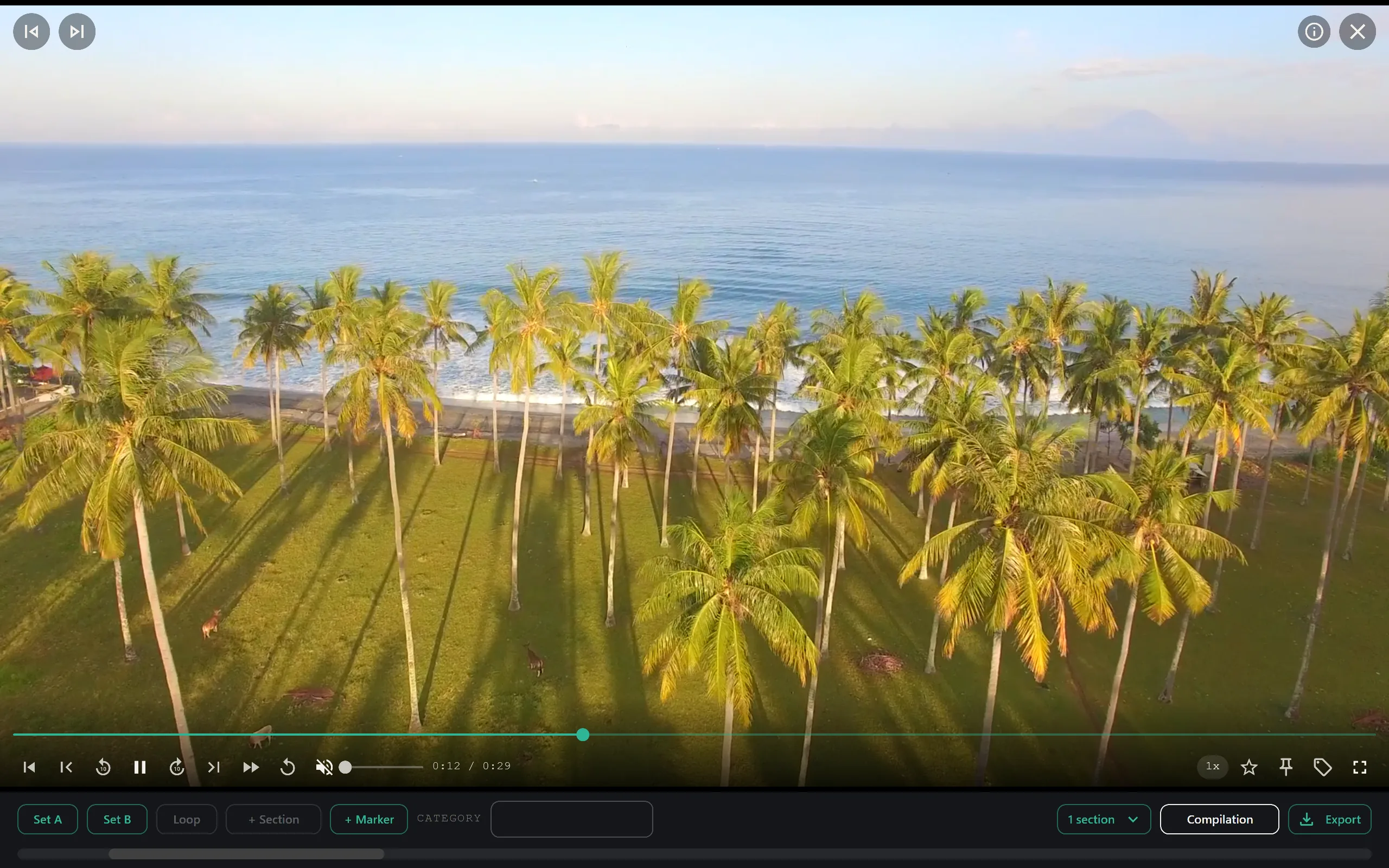
If you use your library for production work, you need more than just a viewer. Local software can include features like A-B section loops, allowing you to mark in/out points directly in the library view. You can then export cut lists (such as Premiere XML or DaVinci EDL) directly to your NLE.
This eliminates the "export to cloud, download back to NLE" dance. The workflow stays entirely on your machine.
Custom AI Without the Cloud Cost
Many cloud AI tools charge per minute or per API call. Local-first tools can run lightweight AI models directly on your hardware. SiftVid, for instance, includes a "train-your-own" linear probe AI. You teach the system your specific terminology, and it runs locally. No data leaves your PC, and there are no usage-based fees.
Comparing Cost Models
Let’s look at the math. A typical premium cloud media service costs anywhere from $10 to $30 monthly.
- Year 1: $120 - $360
- Year 3: $360 - $1,080
- Year 5: $600 - $1,800
A one-time purchase desktop app, such as the $14.99 price point of SiftVid, pays for itself in the first few weeks. After that, the cost is zero. For a user who archives 100GB of video annually, the remote storage fees alone would dwarf the software cost, not to mention the time spent uploading.
Is Windows the Right Platform?
Windows remains the dominant OS for video editing and large-scale media storage. Most NLEs (Premiere, DaVinci Resolve, Avid) run natively and optimally on Windows. A local-first library tool that operates as a Windows desktop app fits naturally into this ecosystem. It doesn’t require a web browser, it doesn’t need a constant internet connection, and it respects the user’s local file structure.
When evaluating Windows video library software with no recurring fees, prioritize these three criteria:
- True Local Operation: Verify that the app does not require an account to function.
- No Upload Requirement: Ensure the tool indexes files in place rather than moving them.
- Transparent Pricing: One-time fees are the gold standard for avoiding long-term costs.
Choosing the Right Tool for Your Needs
Not all local tools are created equal. Some are simple file managers with basic tagging. Others are full-featured production assistants.
If your primary need is organization and search, a robust tagging and search engine is the most critical component. If you are an editor, you will value export features for NLEs. SiftVid bridges this gap by offering smart tagging for organization and XML/EDL export for production, all within a lightweight Windows application.
You can explore the full feature set to see if it aligns with your specific workflow, including the A-B loop tools and the custom AI training options.
Getting Started
The transition from cloud to local is straightforward. You install the application, point it at your video folders, and let it build the index. There is no upload phase. There is no account creation.
For those interested in trying this approach, SiftVid offers a 7-day full-access free trial — download it here. This allows you to test the search speed, the tagging accuracy, and the export features without committing to the purchase. The features page covers the full toolset, and the pricing page details the one-time cost.
Ultimately, the decision to use Windows video library software with no recurring fees is about ownership. Your videos are your work. Keeping them local, managed by software you own outright, and free from monthly fees is the most secure and cost-effective way to manage a growing media library.
Frequently Asked Questions
Does the software require an internet connection? No. Once installed, the software functions entirely offline. The internet is only needed to download the installer or purchase the license key.
Will my video files be moved or copied? No. The software indexes your files in their current locations. You maintain full control over where your files live on your hard drives.
What if I upgrade my computer? Since the library is tied to file paths on your local machine, you would simply point the new installation to your video folders. The index rebuilds quickly based on file metadata.
Is there a mobile version? The primary focus is the Windows desktop environment. This ensures maximum performance for large file sets and seamless integration with NLE workflows.
Keep reading
Manage Real Estate Videography Footage Locally
Stop losing property shoots. Local-first tools help real estate videographers organize, tag, and export MP4/ProRes files securely and fast.
Organize Family Videos Locally with SiftVid
Learn how to organize a lifetime of family videos on your local PC using SiftVid. Keep files private, searchable, and safe from remote risks.